

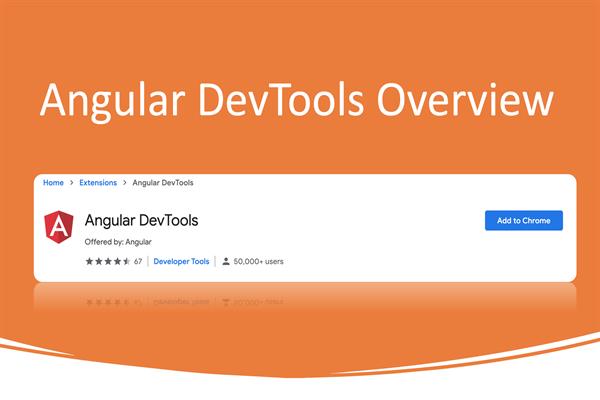
Team Angular recently released Angular Dev Tools for Google Chrome as an extension.
⚡ Announcing Angular DevTools, a new way to debug your apps ⚡️
— Angular (@angular) May 18, 2021
Install now to:
‣ Visualize the structure of your apps 🗺
‣ Explore, inspect & edit components 🔍
‣ Profile performance 📊
👩🏾💻 Read more → https://t.co/nDWjfppR8y
🚀 Install here → https://t.co/ciBn3sXUOw pic.twitter.com/uYblKWplMy
What is Angular DevTools?
Angular DevTools is a Chrome DevTools extension. Now with this Chrome extension, you can inspect the structure of your applications and profile their performance.
How to use Angular DevTools?
First, you have to install Angular Dev Tools from the Chrome Web Store.
Once you are ready with Angular DevTools you can start your angular application with "npm start" or "ng serve" and in your chrome browser you can inspect your application with Angular DevTools.
For more details I would suggest you check this official video:
Features of Angular DevTools
In its current release, Angular DevTools focuses on:
- Visualization of the component structure
- Understanding the change detection execution
For more details you can refer to this reference blog:
https://blog.angular.io/introducing-angular-devtools-2d59ff4cf62f
Download Angular DevTools
Here is the link below from where you can directly add Angular Devtools to your Chrome: